Description
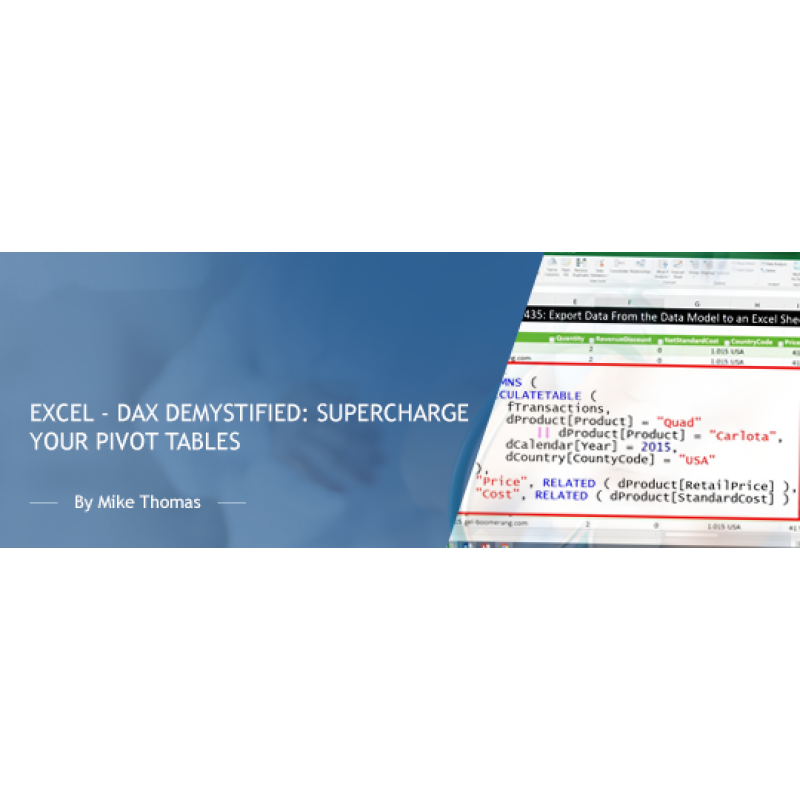
In today's data-driven world, having a strong command of Excel is essential, and understanding the Data Analysis Expressions (DAX) formula language is the key to unlocking the true potential of Excel's Power Pivot and Data Model features.
This session is for intermediate Excel users who are already familiar with Pivot Tables, Power Pivot and the Data Model but are hungry for more.
This session provides users with an introduction to the DAX formula language, providing you with the essential knowledge and skills to manipulate data, perform calculations, and gain valuable insights, making you a data superhero in your organization.
OBJECTIVES
In this training session, you will:
- Gain a solid understanding of the DAX formula language and its capabilities
- Learn how to manipulate text, perform lookups, and work with dates using DAX
- Distinguish between DAX Calculated Columns and Query Editor Calculated Columns
- Grasp the fundamentals of creating and using DAX Measures
- Master the crucial CALCULATE function and its role in DAX calculations
Topics Covered
- Introduction to DAX
- Manipulating text with a Calculated Column
- Performing a Lookup with DAX
- Working with dates in DAX
- DAX Calculated Columns v Query Editor Calculated Columns
- Introduction to Measures
- The all-important CALCULATE function
Who should attend?
This training is aimed at users who are familiar with Power Pivot and The Data Model and who wish to take their knowledge and learning to the next stage
IMPORTANT NOTE: To create DAX formulas you need the Power Pivot addin which may not be available for your version of Excel. If you are unsure whether this training is relevant for your version of Excel, please check with your IT department or see this link: https://support.microsoft.com/en-us/office/where-is-power-pivot-aa64e217-4b6e-410b-8337-20b87e1c2a4b
Webinar Details
-
Live Webinar
Speaker:

Mike Thomas
Microsoft Trainer & Solution Developer: Excel, PowerBI & Office
Mike Thomas have worked in the IT training business since 1989 and although he has a subject matter expert in a range of technologies, particularly Mi...
Related Events

Using Artificial Intelligence to Enhance Student S...
In this session, we will examine how AI and indirect measures can be used to better guide assessment..
Power BI: A Practical Introduction to Data and Rep...
Are you ready to embark on a journey that will revolutionize the way you work with data? Welcome to ..
Excel - Build Advanced Pivot Table Solutions Using...
NOTE: This course is not appropriate for Mac or iPad users as the functionality does not exist on th..
Upcoming Webinars
2027 CPT Changes for Maternity Care: What Coders, ...
Prepare now for the most significant OB coding overhaul in decades. Beginning January 1, 2027, th..
Learn How to Use Excel and AI to Work Faster, Clea...
Discover the smarter way to work with Excel. Microsoft Copilot is now more powerful and integrated t..
The Confusing Neoplasm Table – If You Are Using Co...
The Neoplasm table is made up of six columns that can be confusing. Although selecting from th..