
Description
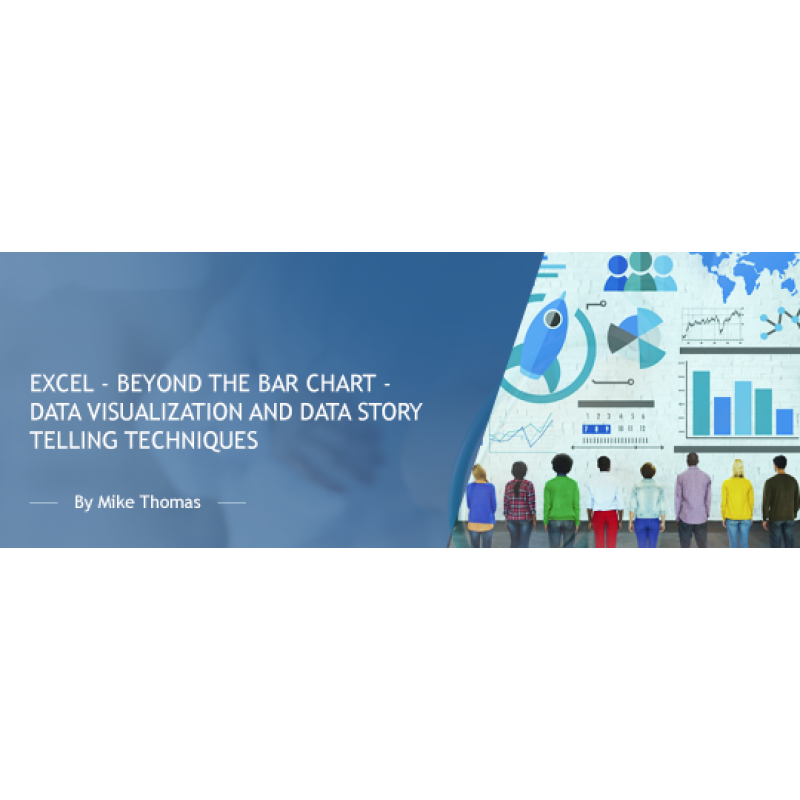
Revolutionize the way you communicate data with this cutting-edge training on Excel visual storytelling. Discover the power of visual data representation to transform complex numerical information into compelling, insightful visual narratives.
The era of simple bar and pie charts has moved on. Today's data-driven environment demands more dynamic visualizations and infographics. Our session will guide you through Excel's innovative non-chart tools, empowering you to captivate your audience with data.
What You Will Master
- Selecting impactful visualizations that resonate with your message
- Crafting succinct Sparkline charts for at-a-glance data comparison
- Utilizing shapes, symbols, and icons for infographic-inspired displays
Why you should Attend
- Stay ahead of the curve by updating your Excel visualization toolkit
- Learn to meet and exceed audience expectations with sophisticated data presentations
- Excel is not just for spreadsheets anymore. Unlock its full potential for modern data
- communication
Topics We’ll Explore
- Constructing Sparklines for immediate data visualization
- Pioneering with Waffle Charts to "Square the Pie.”
- Designing vibrant infographics using shapes, images, and icons
- Generating heat maps with Conditional Formatting for data intensity display
- Symbolizing data trends with icon sets for clarity and impact
- Mapping out the world with Excel's 3D Map feature for geographical data storytelling
Who should Attend?
This intermediate-level training is perfect for Excel users eager to enhance their data visualization prowess. While we utilize the latest Excel version for demonstrations, the skills you'll learn are applicable to Excel 2010 and beyond, ensuring broad relevance and applicability. Join us to elevate your data presentation from standard to standout.
Webinar Details
-
Recorded Webinar
Speaker:

Mike Thomas
Microsoft Trainer & Solution Developer: Excel, PowerBI & Office
Mike Thomas have worked in the IT training business since 1989 and although he has a subject matter expert in a range of technologies, particularly Mi...
Related Events

Using Artificial Intelligence to Enhance Student S...
In this session, we will examine how AI and indirect measures can be used to better guide assessment..
Excel - Build Advanced Pivot Table Solutions Using...
NOTE: This course is not appropriate for Mac or iPad users as the functionality does not exist on th..
Excel - Build Advanced Pivot Table Solutions Using...
NOTE: This course is not appropriate for Mac or iPad users as the functionality does not exist on th..
Upcoming Webinars
2027 CPT Changes for Maternity Care: What Coders, ...
Prepare now for the most significant OB coding overhaul in decades. Beginning January 1, 2027, th..
Learn How to Use Excel and AI to Work Faster, Clea...
Discover the smarter way to work with Excel. Microsoft Copilot is now more powerful and integrated t..

The Confusing Neoplasm Table – If You Are Using Co...
The Neoplasm table is made up of six columns that can be confusing. Although selecting from th..