
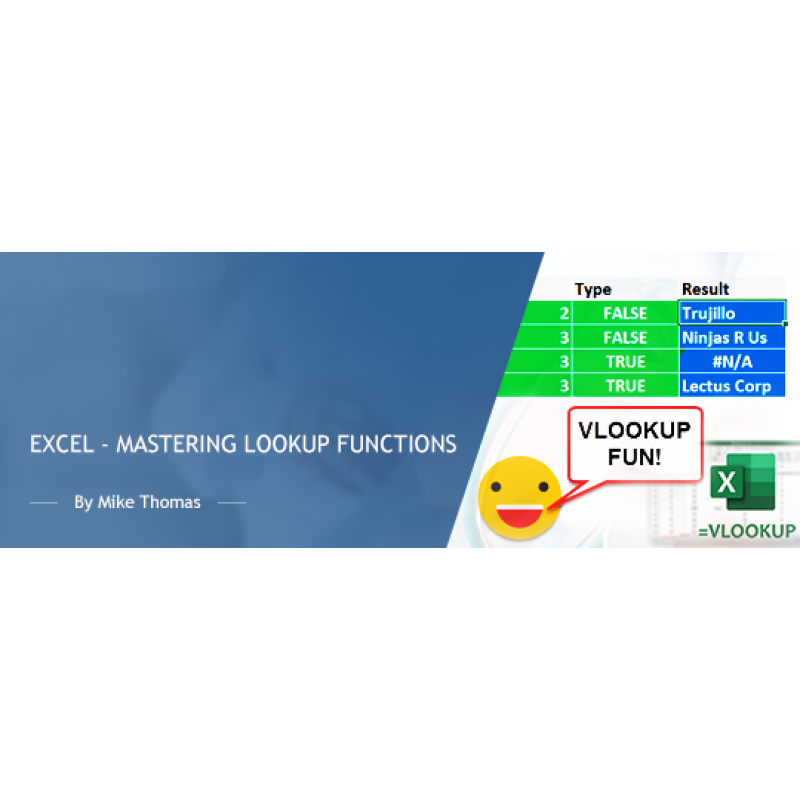
Description
"How do I look up a value in list ONE and pick up a related value from list TWO"
"How do I avoid my lookup formula displaying an ugly error when it can't find a match?"
"I've heard of VLOOKUP but what's HLOOKUP and what’s XLOOKUP?"
These are just a few of the questions I get asked on a regular basis. You can get the answers to these questions (and more) by attending this training session dedicated to mastering the various lookup functions that are built into Excel.
Why you should attend
VLOOKUP, HLOOKUP, XLOOKUP are some of the most well-known (and most useful) formulas in Excel. Used properly, they will help you to improve the accuracy and integrity of your Excel workbooks, save a ton of time and minimize data entry errors.
Topics covered
- VLOOKUP v HLOOKUP v XLOOKUP
- How to construct and use the LOOKUP functions
- TRUE and FALSE – the 4th VLOOKUP parameter demystified
- Tables – the key to future-proofing LOOKUP
- How to avoid #NA
- INDEX/MATCH v LOOKUP
Who should attend
This training is categorized as intermediate and is aimed at users who want to learn about the Lookup functions in Excel.
Although the training will be delivered using the latest version of Excel, this training is relevant for users of all versions of Excel.
Note: XLOOKUP is only available in certain versions of Excel.
Webinar Details
-
Recorded Webinar
Speaker:

Mike Thomas
Microsoft Trainer & Solution Developer: Excel, PowerBI & Office
Mike Thomas have worked in the IT training business since 1989 and although he has a subject matter expert in a range of technologies, particularly Mi...
Related Events

Using Artificial Intelligence to Enhance Student S...
In this session, we will examine how AI and indirect measures can be used to better guide assessment..
Excel - Build Advanced Pivot Table Solutions Using...
NOTE: This course is not appropriate for Mac or iPad users as the functionality does not exist on th..

Excel - Pivot Tables - The Key To Modern Data Anal...
Excel - Pivot Tables - The Key To Modern Data Analysis and Reporting Whether you need to build an..
Upcoming Webinars
2027 CPT Changes for Maternity Care: What Coders, ...
Prepare now for the most significant OB coding overhaul in decades. Beginning January 1, 2027, th..

Learn How to Use Excel and AI to Work Faster, Clea...
Discover the smarter way to work with Excel. Microsoft Copilot is now more powerful and integrated t..

The Confusing Neoplasm Table – If You Are Using Co...
The Neoplasm table is made up of six columns that can be confusing. Although selecting from th..