
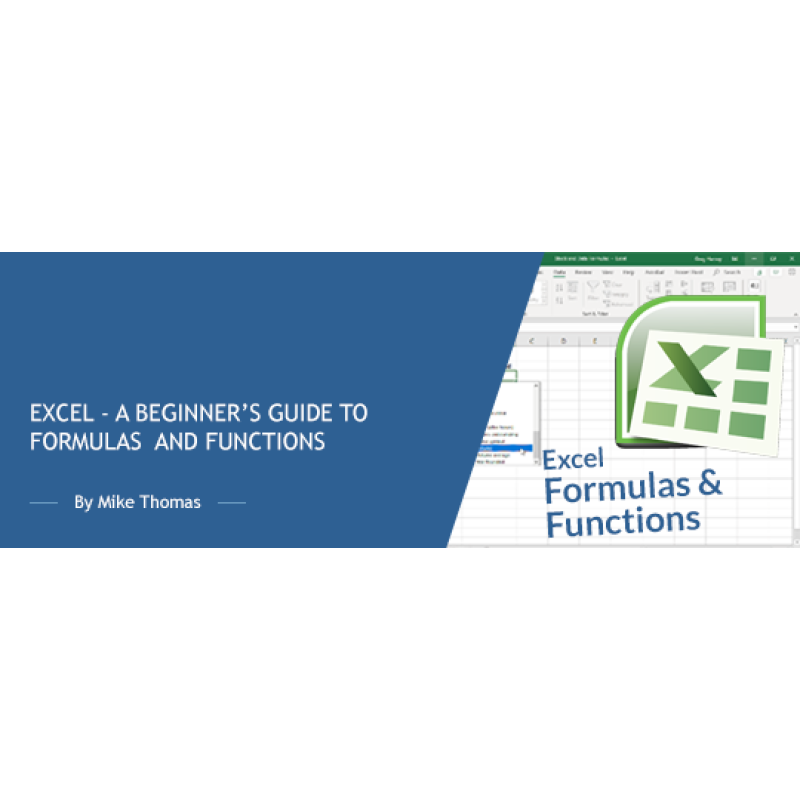
Description
Are you new to Excel and struggling to understand formulas?
Are you tired of manually calculating data in Excel spreadsheets?
Do you want to learn how to use Excel formulas to streamline your work and save time?
If so, this online training session is the perfect solution for you.
Think of any scenario that involves addition, subtraction, division or multiplication and that's where you'd use a formula.
Once you’ve mastered formulas, you’ll be introduced to functions which are built-in formulas that have been programmed to perform a specific calculation. They can often be used to shorten and simplify what would otherwise be a long-winded manually-entered formula.
Why you should attend
Excel is an essential tool for anyone who works with data, from entry-level employees to professionals. Knowing how to use Excel formulas can help you streamline your work, increase accuracy, and save time.
This training is designed for beginners, so you don't need any prior experience with Excel or formulas to attend. You will leave the session with a solid understanding of the fundamentals of Excel formulas and the confidence to use them in your work.
Topics covered
- Creating basic formulas: addition, subtraction, division, multiplication
- Using parentheses in formulas - the what and why
- Copying a formula - the gotchas you need to know about
- Make formulas logical and understandable by assigning names to your important cells
- An introduction to functions: SUM, AVERAGE, COUNT and SUBTOTAL
- The SUMIF and COUNTIF function: Add up and count based on criteria
- Use TODAY, DATEDIF and NETWORKDAYS to calculate and manipulate dates
- Use CONCATENATE and TEXTJOIN to combine text from multiple cells
Who should attend
This training is perfect for beginners who are new to Excel or have limited experience with formulas. Whether you are a student, professional, or simply looking to improve your Excel skills, this training is for you.
The training will be delivered using the latest version of Excel for Windows however all of the functionality is also available to users of earlier versions of Excel.
Webinar Details
-
Recorded Webinar
Speaker:

Mike Thomas
Microsoft Trainer & Solution Developer: Excel, PowerBI & Office
Mike Thomas have worked in the IT training business since 1989 and although he has a subject matter expert in a range of technologies, particularly Mi...
Related Events

Using Artificial Intelligence to Enhance Student S...
In this session, we will examine how AI and indirect measures can be used to better guide assessment..
Excel - DAX Demystified: Supercharge Your Pivot Ta...
In today's data-driven world, having a strong command of Excel is essential, and understanding the D..
Power BI: A Practical Introduction to Data and Rep...
Are you ready to embark on a journey that will revolutionize the way you work with data? Welcome to ..
Upcoming Webinars
2027 CPT Changes for Maternity Care: What Coders, ...
Prepare now for the most significant OB coding overhaul in decades. Beginning January 1, 2027, th..
Learn How to Use Excel and AI to Work Faster, Clea...
Discover the smarter way to work with Excel. Microsoft Copilot is now more powerful and integrated t..

The Confusing Neoplasm Table – If You Are Using Co...
The Neoplasm table is made up of six columns that can be confusing. Although selecting from th..